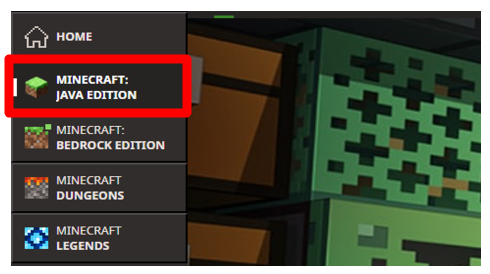
1. Click Java Edition
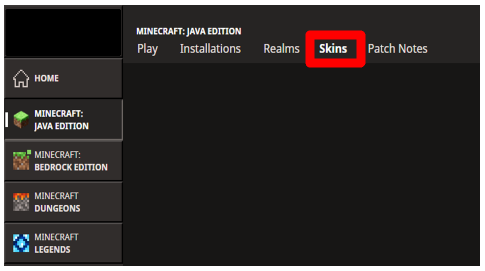
2. Click the Skins tab.
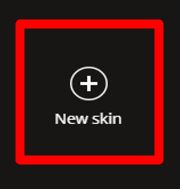
3. Click “new skin”
4. Open your file explorer at your taskbar and press on “downloads”
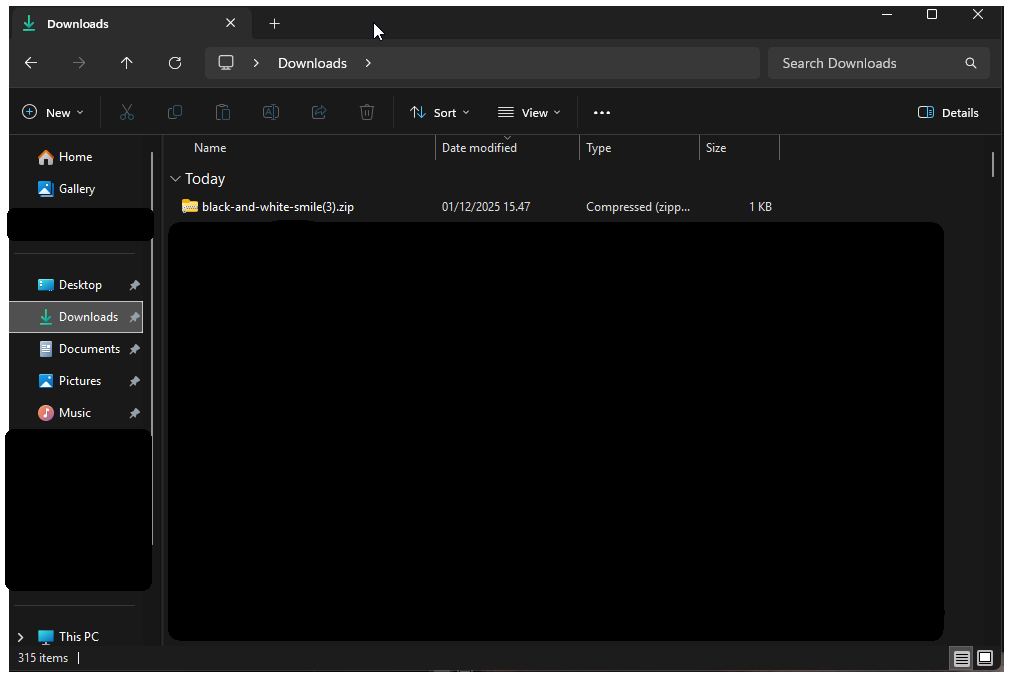
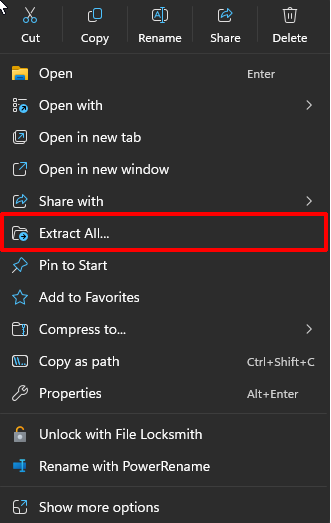
5. Right click the file that you downloaded and press “extract all”
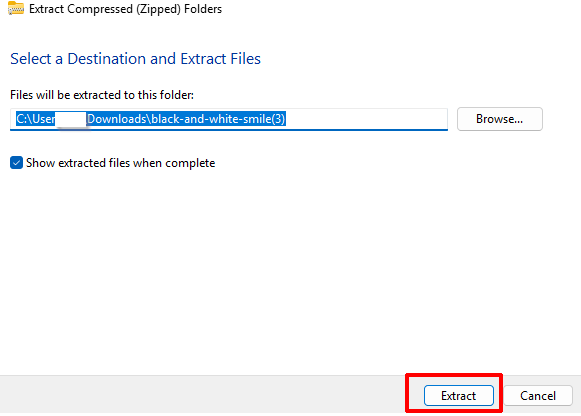
6. Now there should be popping up an image with the name of the skin
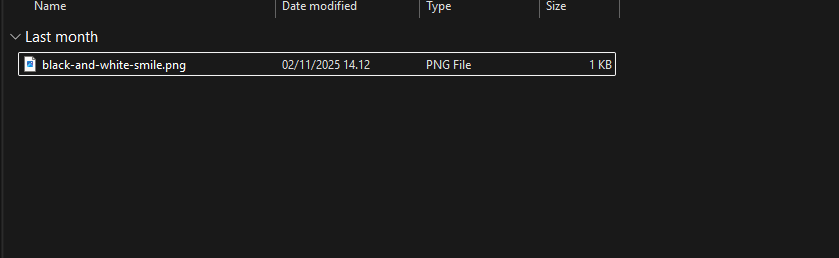
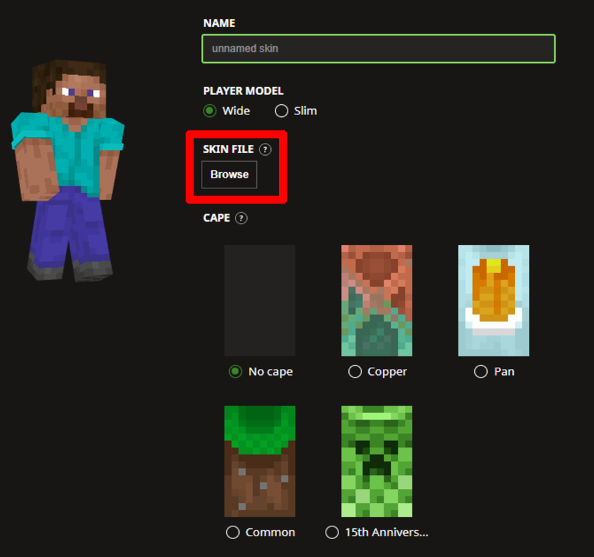
7. Now you just go in your Minecraft launcher and press “browse”
8. Press on the “home” tab and there should be an image that is called the name of the skin you downloaded.
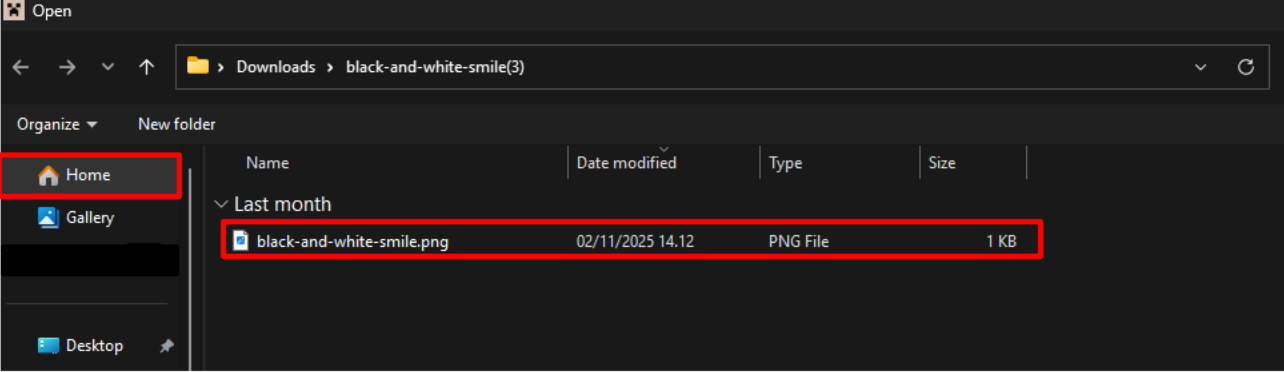
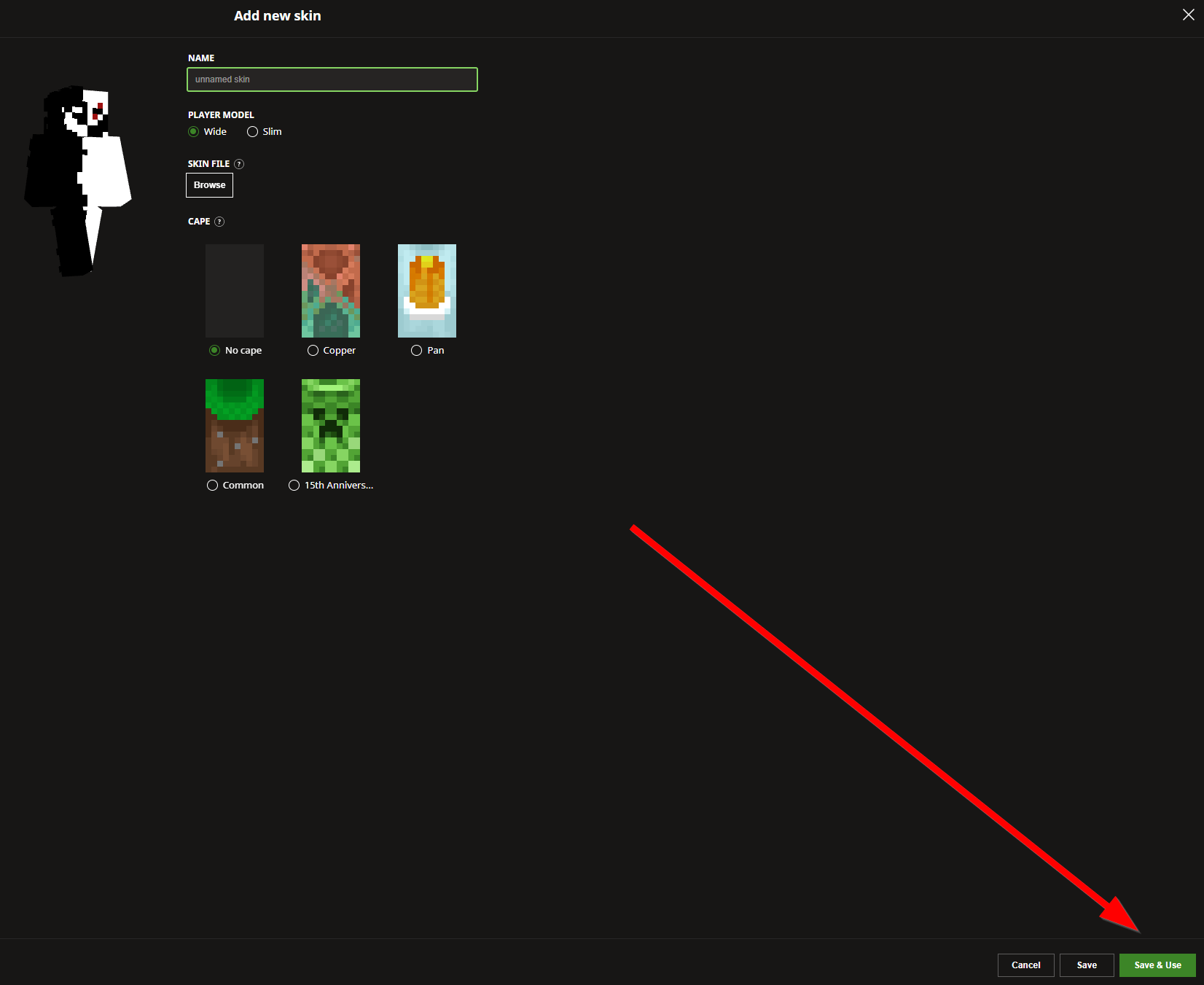
9. Last step: click on the file and press “open”. Now you just press “save & use” and you’re good to go!